 Smart Home, Future Life
T3 Smart App control your whole smart home
T3 Smart is the free companion app for your T3 cameras, IR remotes and smart devices. Watch live HD video, set scenes and automations, and manage every device from one app — anytime, anywhere.
Free on iOS & Android · No subscription required
Trusted by smart-home users worldwide
- 50K+
- Downloads
- 4.2
- App rating
- 100%
- Free to use
- 3
- Languages
Everything your smart home needs, in one app
From live camera viewing to one-tap scenes, T3 Smart brings remote control, automation and multi-device management together.
Remote control anywhere
Control your devices from anywhere over Wi-Fi or mobile data — no matter where you are.
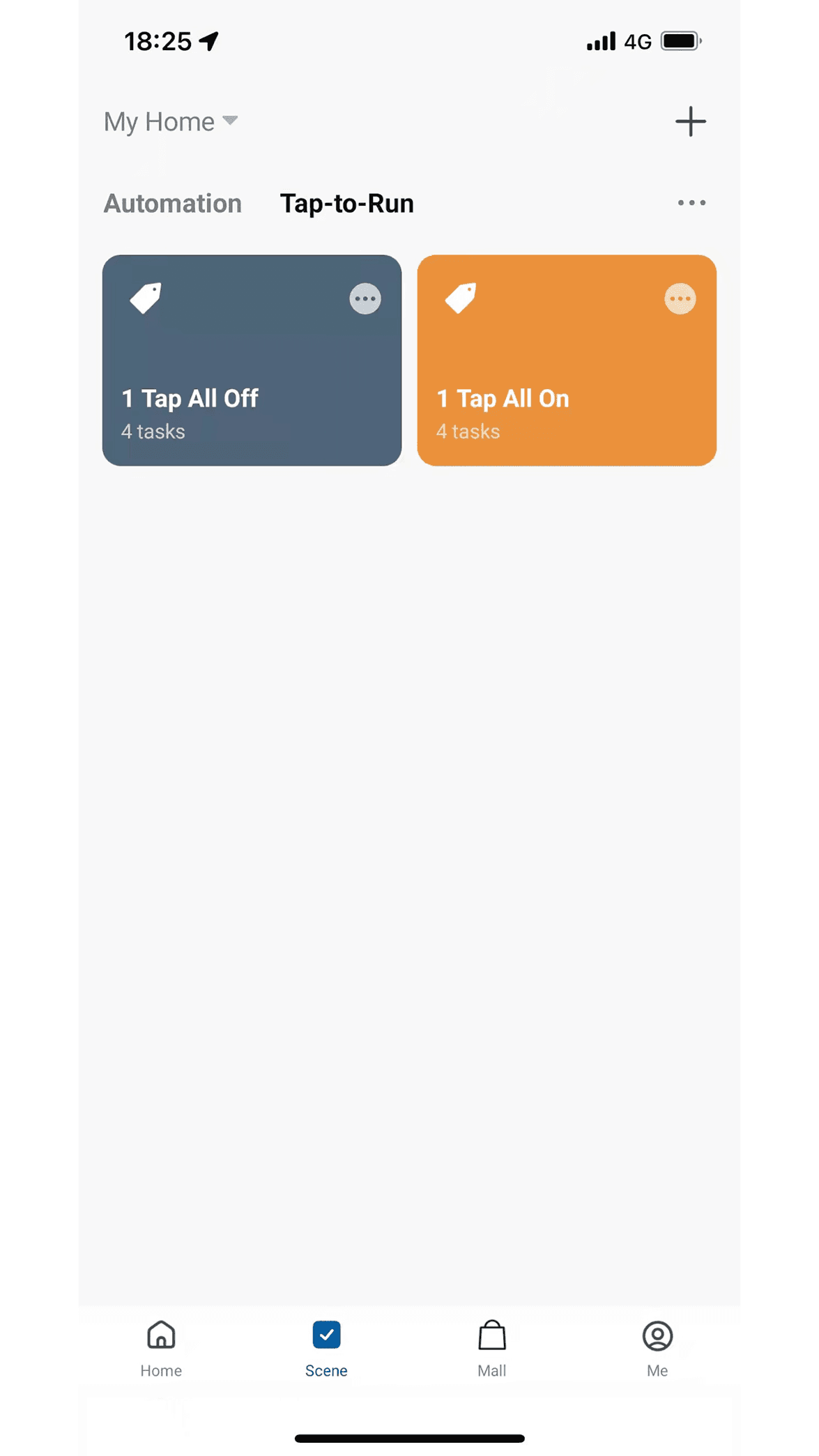
Smart scenes & automation
Create personalized scenes and automations so your home reacts the way you want, automatically.
Multi-device management
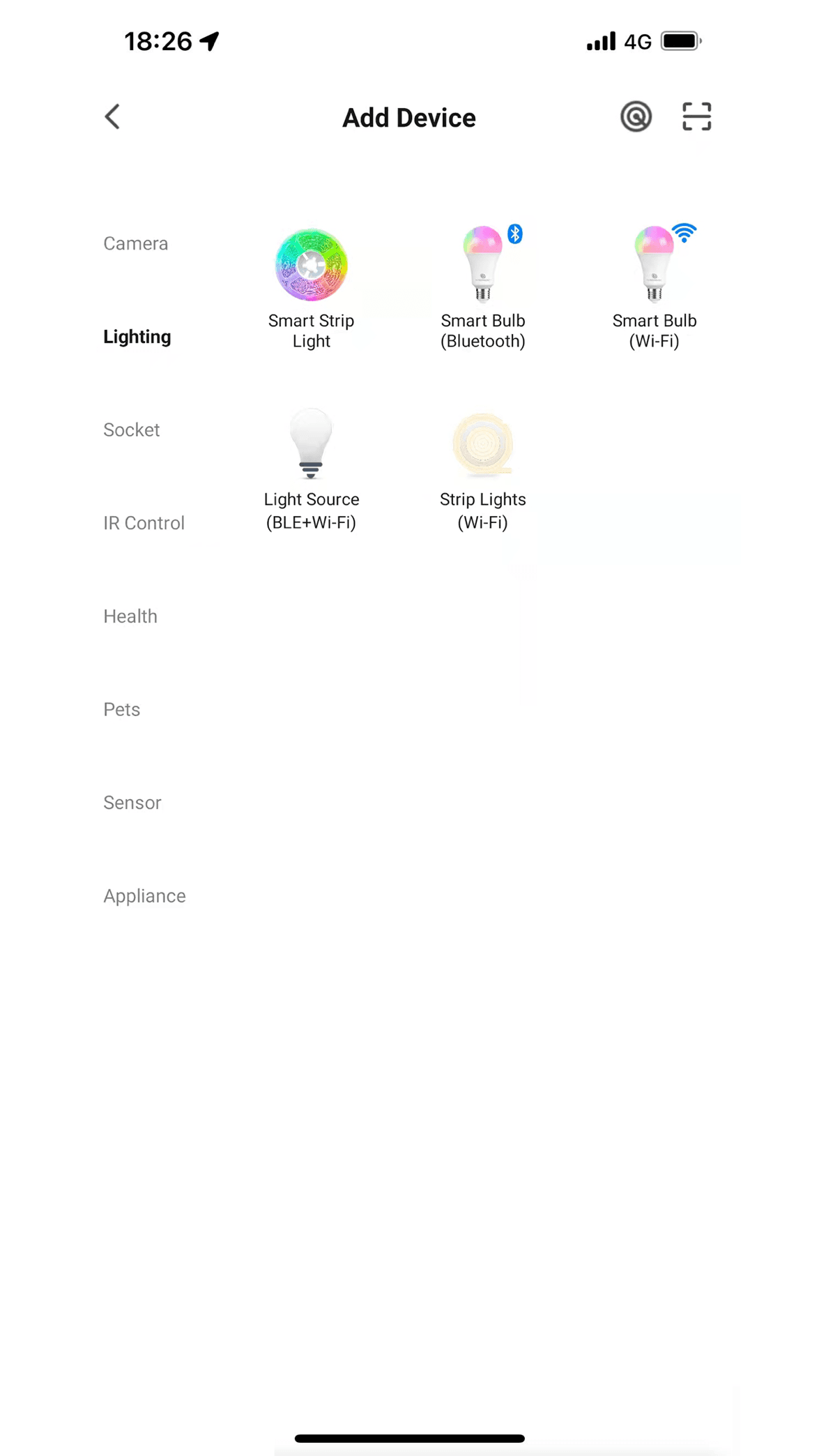
Add and manage cameras, IR remotes, vacuums and more — all from a single dashboard.
Live HD camera view
1080P live video with PTZ control, two-way audio, night vision and motion tracking.
Family & home sharing
Invite family members with a 6-digit code and share access to your home and devices.
Motion alerts & storage
Get instant motion-detection alerts, with SD card (up to 128GB) and cloud storage options.
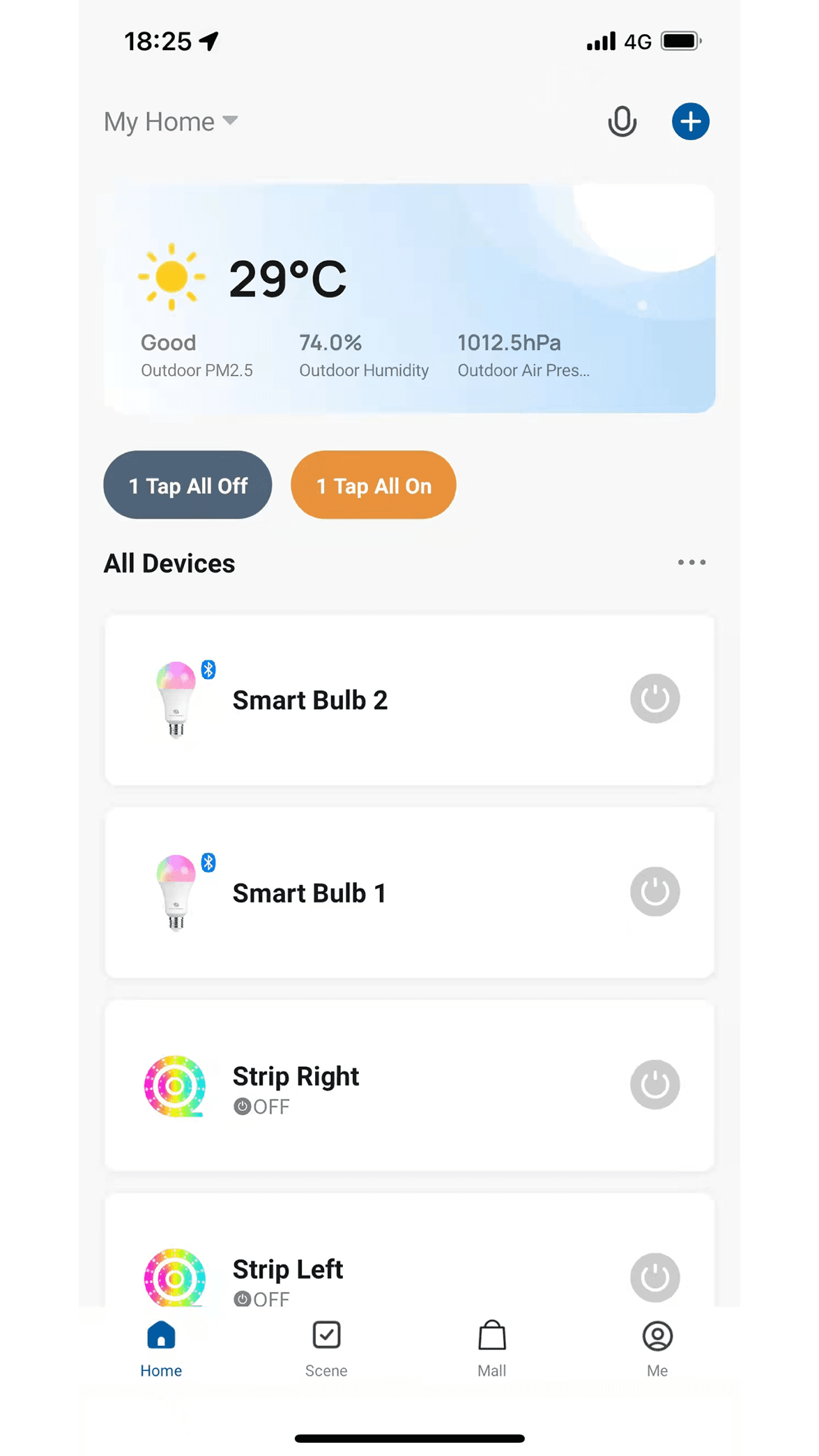
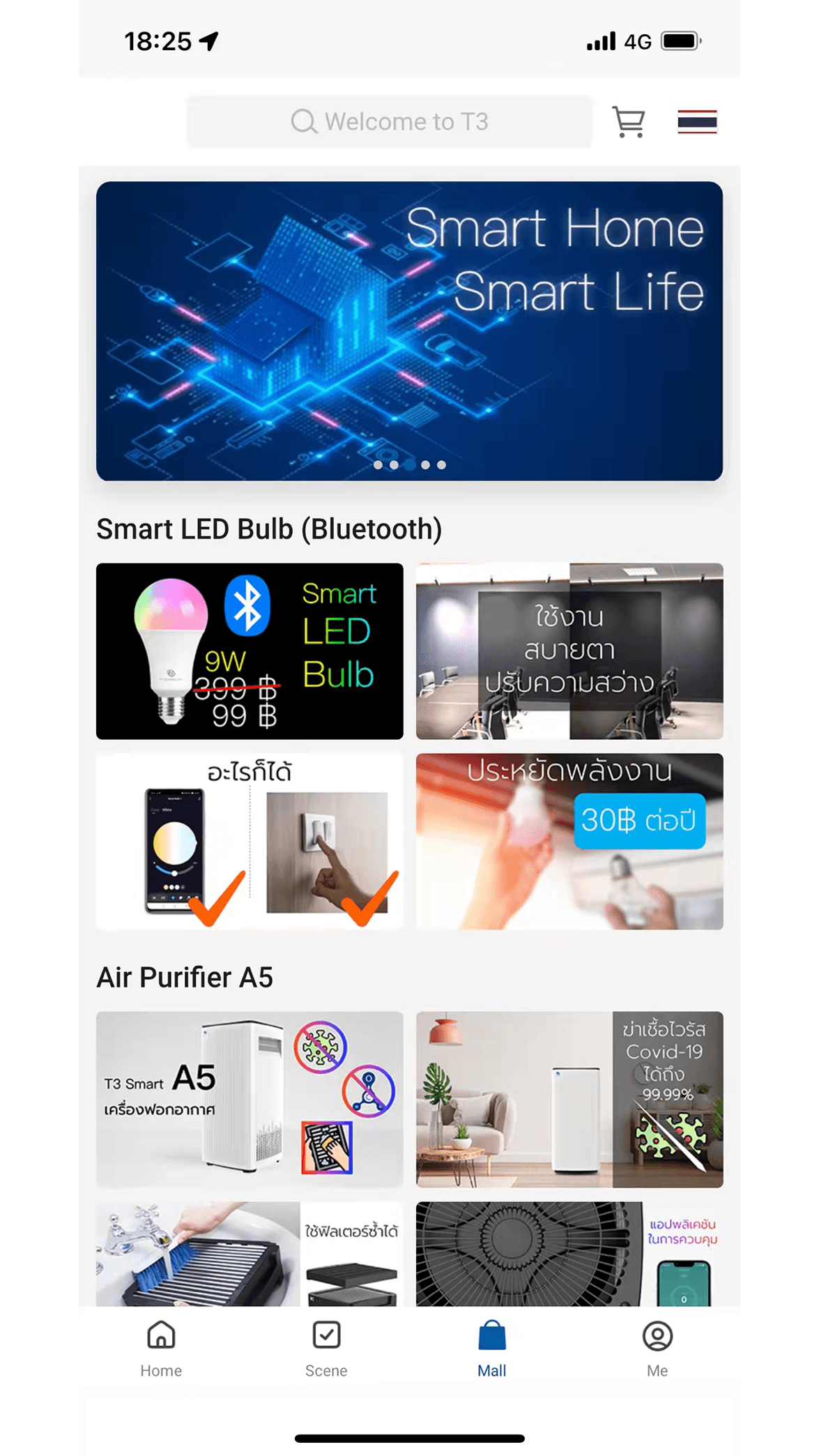
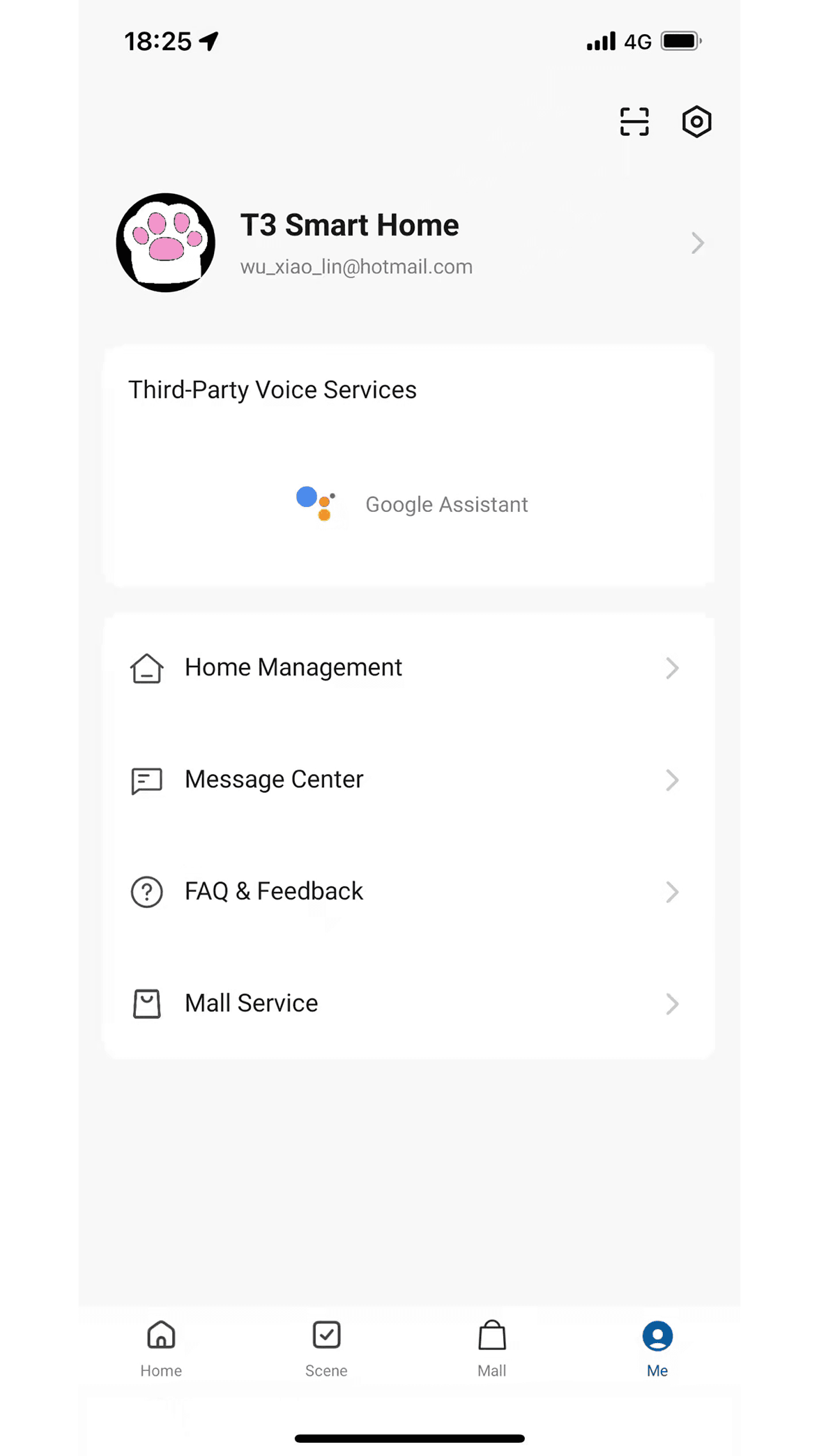
A clean, intuitive smart-home dashboard
See your devices, scenes and live cameras at a glance — designed to stay simple as your home grows.
Works with your T3 smart devices
T3 Smart connects a growing ecosystem of devices over 2.4 GHz Wi-Fi.
Available on
- iOSiPhone & iPod touch, iOS 13.0+
- AndroidPhones & tablets
- 2.4 GHz Wi-FiQuick pairing setup
Smart cameras
PTZ, 1080P, two-way audio, night vision and motion detection.
IR remote control
Replace remotes for TVs, ACs and appliances, or build DIY profiles.
Robot vacuums
Start, schedule and monitor cleaning from your phone.
Sensors & plugs
Connect compatible smart sensors and plugs into your scenes.
Get started in three simple steps
Set up your first device in minutes — no technical know-how required.
Download the app
Install T3 Smart free from the App Store or Google Play.
Create your account
Register with your mobile number and verification code.
Add your device
Tap add, connect over 2.4 GHz Wi-Fi, and start controlling.
Built for the way you live
One app for security, family care, and everyday convenience.
Home security
Live view, motion alerts and recordings keep an eye on what matters.
Family care
Check in on kids, elders or pets with two-way audio from anywhere.
Smart living
Automate lights, appliances and routines with one-tap scenes.
Appliance control
Turn the IR remote in your app into a universal home controller.
Guides & answers to get the most from T3 Smart
Step-by-step setup, troubleshooting and how-tos — written from the app's real features.
Set up T3 Smart App
Download, register and add your first device.
Connect a T3 Smart camera
Pair your camera over 2.4 GHz Wi-Fi.
T3 Smart for PC
How to use T3 Smart on Windows and Mac.
Camera not connecting?
Fix offline cameras and Wi-Fi pairing issues.
Two-way audio & night vision
Use live viewing features the right way.
Family & member sharing
Share your home with a 6-digit invite code.
What T3 Smart users say
Real feedback from people using T3 Smart to run their homes.
“Setup took five minutes and the live camera view is sharp. Exactly what I needed to watch the front door.”

“Two-way audio lets me check on my kids after school from work. The scenes make evenings effortless.”

“Managing all my devices in one app is the win. The IR remote feature replaced three physical remotes.”

“Setup took five minutes and the live camera view is sharp. Exactly what I needed to watch the front door.”
“Two-way audio lets me check on my kids after school from work. The scenes make evenings effortless.”
“Managing all my devices in one app is the win. The IR remote feature replaced three physical remotes.”
“Setup took five minutes and the live camera view is sharp. Exactly what I needed to watch the front door.”
“Two-way audio lets me check on my kids after school from work. The scenes make evenings effortless.”
“Managing all my devices in one app is the win. The IR remote feature replaced three physical remotes.”
“Setup took five minutes and the live camera view is sharp. Exactly what I needed to watch the front door.”
“Two-way audio lets me check on my kids after school from work. The scenes make evenings effortless.”
“Managing all my devices in one app is the win. The IR remote feature replaced three physical remotes.”
“Free, no subscription, and it just works. Motion alerts are fast and reliable.”

“I control everything from abroad. Night vision and recordings give me real peace of mind.”

“The automations are genuinely useful. One tap and the whole home is set for the night.”

“Free, no subscription, and it just works. Motion alerts are fast and reliable.”
“I control everything from abroad. Night vision and recordings give me real peace of mind.”
“The automations are genuinely useful. One tap and the whole home is set for the night.”
“Free, no subscription, and it just works. Motion alerts are fast and reliable.”
“I control everything from abroad. Night vision and recordings give me real peace of mind.”
“The automations are genuinely useful. One tap and the whole home is set for the night.”
“Free, no subscription, and it just works. Motion alerts are fast and reliable.”
“I control everything from abroad. Night vision and recordings give me real peace of mind.”
“The automations are genuinely useful. One tap and the whole home is set for the night.”
Frequently asked questions
Quick answers about downloading, connecting and using T3 Smart.
Bring your smart home together with T3 Smart
Download the free app and set up your first device in minutes.
Free · iOS 13.0+ & Android · No subscription